Case study 02
Spatial review before generated video.
Creative teams often start from scans, previs scenes, architectural renders, product captures, or environment references. Before generating motion, they need to inspect the scene and align on framing.
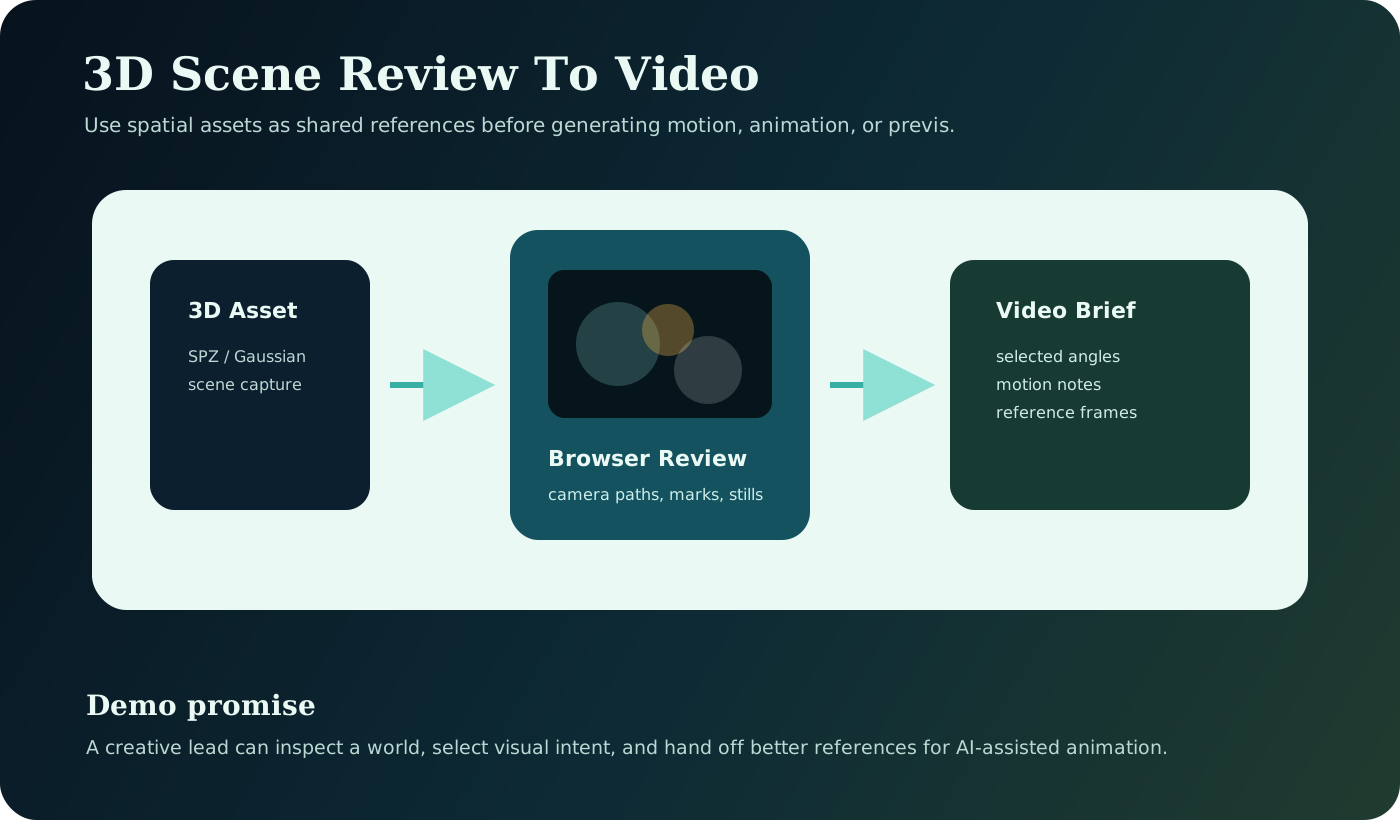
The workflow.
Spatial review becomes a bridge between art direction and world modeling: choose references before committing to animation.
- Load a compressed 3D Gaussian scene asset in the browser.
- Inspect the scene interactively from multiple camera positions.
- Mark useful framing, camera paths, and visual references.
- Export stills, scene notes, or reference frames for generative video.
- Use the selected references in animation, previs, or video generation.
The related repo demonstrates browser-based Gaussian splat review, SPZ asset handling, and interactive spatial media tooling.
- Static render versus interactive review.
- Same scene from multiple camera paths.
- Reference stills extracted from the viewer.
- Browser review handed into a generated video brief.
"Instead of handing off static renders, your team can inspect the scene, choose camera language, and create stronger references for AI-assisted iteration."
Product insight.
This workflow clarifies what creative reviewers need to mark or save, which scene states become useful model references, and where browser performance affects collaboration.